
Authorization header. You authenticate using an API key that starts with faces_.
Teams and keys
Every API key is scoped to a single team. Projects created with a key are owned by that team, and the key can only read or edit projects its team (or the key owner) has access to. When you create a key from the dashboard or CLI, it’s scoped to your personal team by default. Pick a different team at creation time if you need to automate under a shared team. UseGET /api/v1/teams to list the teams your account belongs to (together with the role for each). This is useful when scripting key creation or verifying which team a key operates under.
Creating an API key
Option 1: From the dashboard (recommended)
- Sign in to faces.app
- Open Settings from the left sidebar
- Click Developers
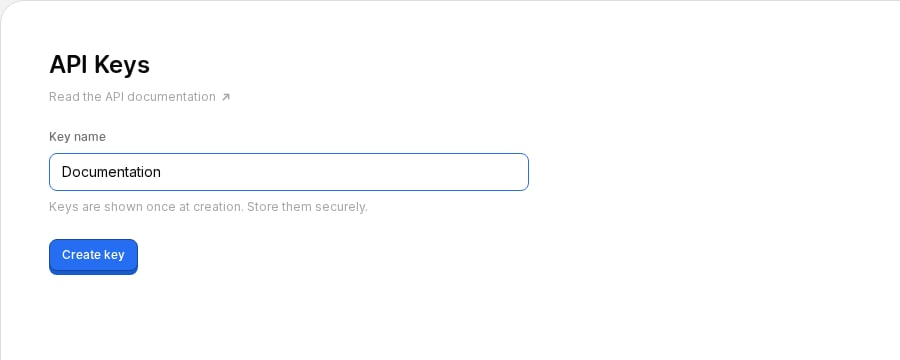
- Enter a name for your key (e.g. “My Script”) and click Create key
- Copy the key immediately. It’s only shown once.
Option 2: Using the CLI
The CLI handles authentication automatically:~/.config/faces/credentials.json. Pass --team <slug-or-id> to scope the key to a shared team instead of your personal team:
Using the key
Include the key as a Bearer token in every request:Revoking keys
You can revoke keys from Settings > Developers in the dashboard. Revoking a key immediately and permanently invalidates it. Any integrations using that key will stop working.Security best practices
- Never commit API keys to version control
- Use environment variables to store keys:
- Create separate keys for each integration so you can revoke them independently
- Rotate keys periodically by creating a new one and revoking the old one