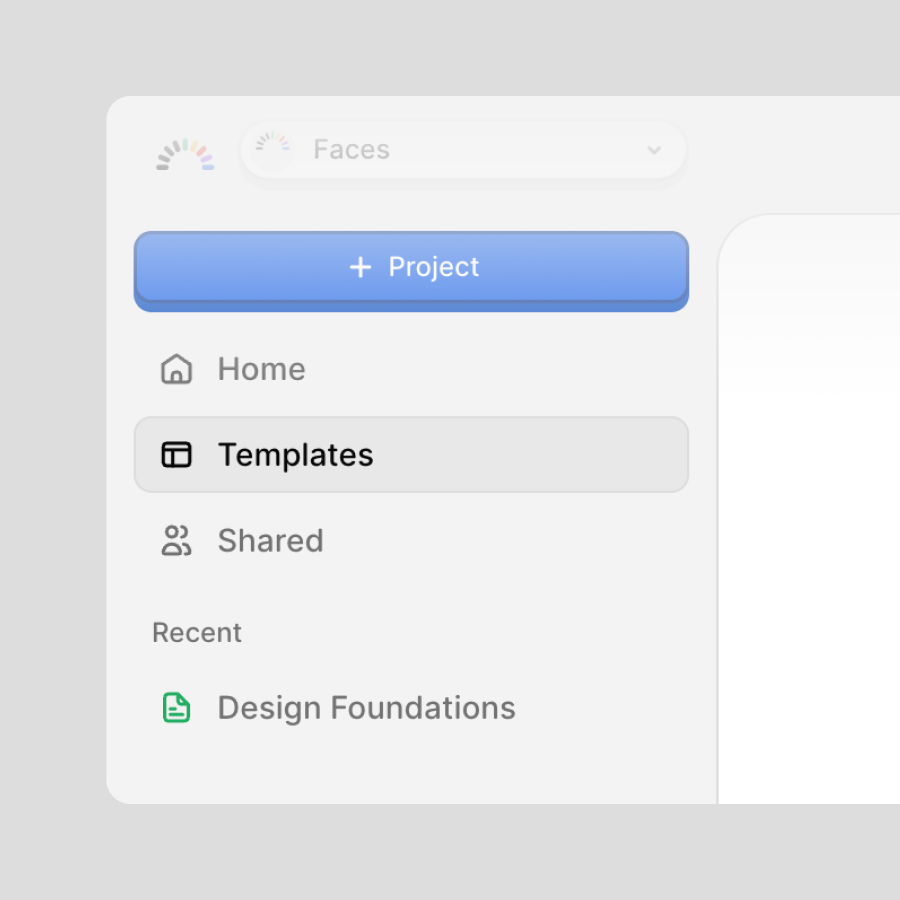
Templates let you turn any presentation you've already built into a reusable starting point for your whole team. Instead of rebuilding the same structure, branding, and layout every time, you save a project once and anyone on your team can spin up a new deck from it in a click.
Turn a project into a template
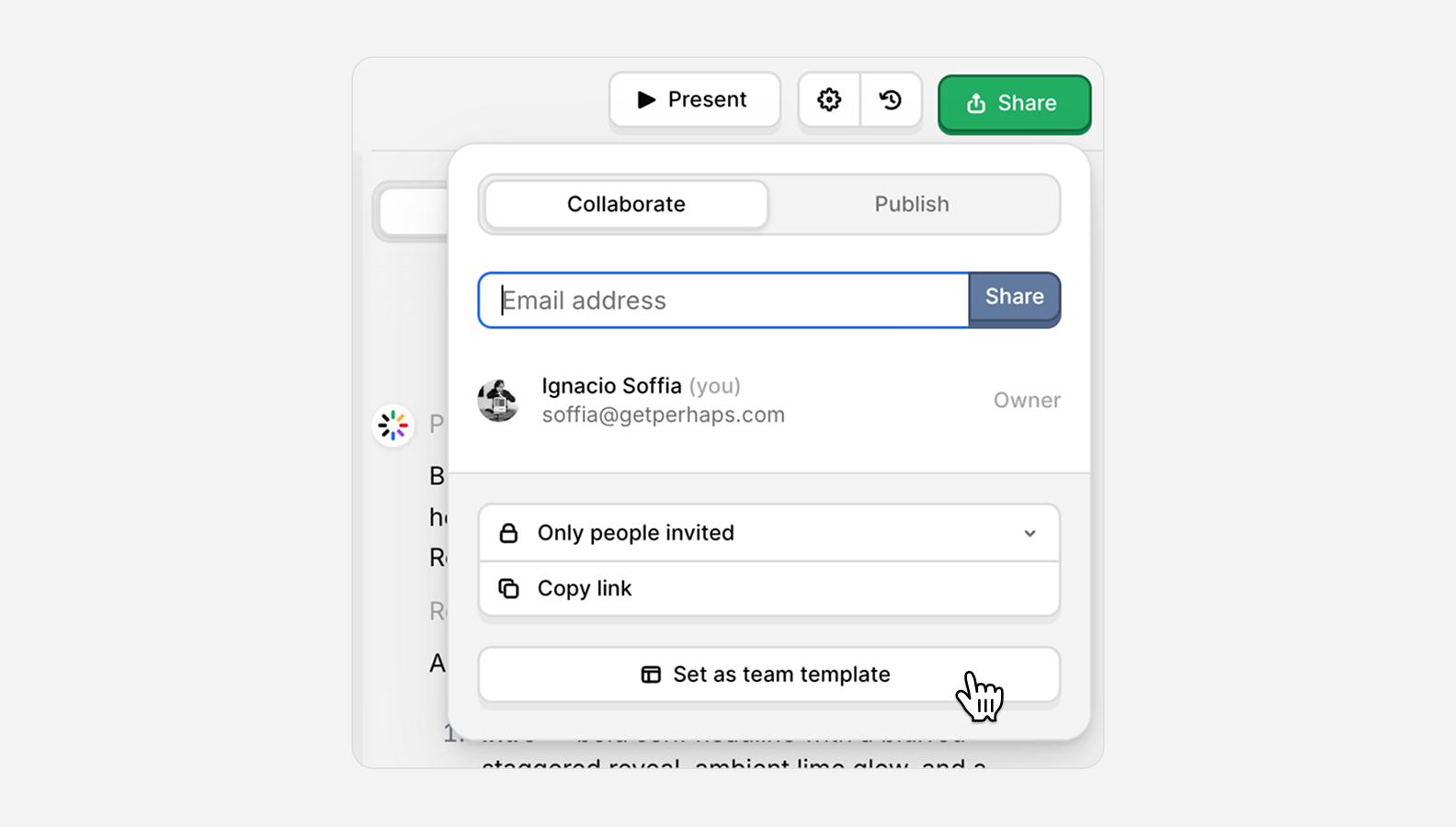
Open the project you want to reuse and click Share in the top right. In the Collaborate tab, choose Set as team template. That's it, the project is now saved and available to everyone on your team.
Changed your mind? Open the same menu and hit Remove from team templates.
Start from a template
Once a project is saved, your templates live in one place:
- From your dashboard, open the Templates section to browse everything your team has saved, then pick one to start from.
- Or when you create a new project, choose Use template and select the one you want.
Either way, Faces spins up a fresh project from the template, so you can edit freely without ever touching the original.
Templates keep your decks on-brand and save your team from starting from a blank page every time.