·Ignacio Soffia
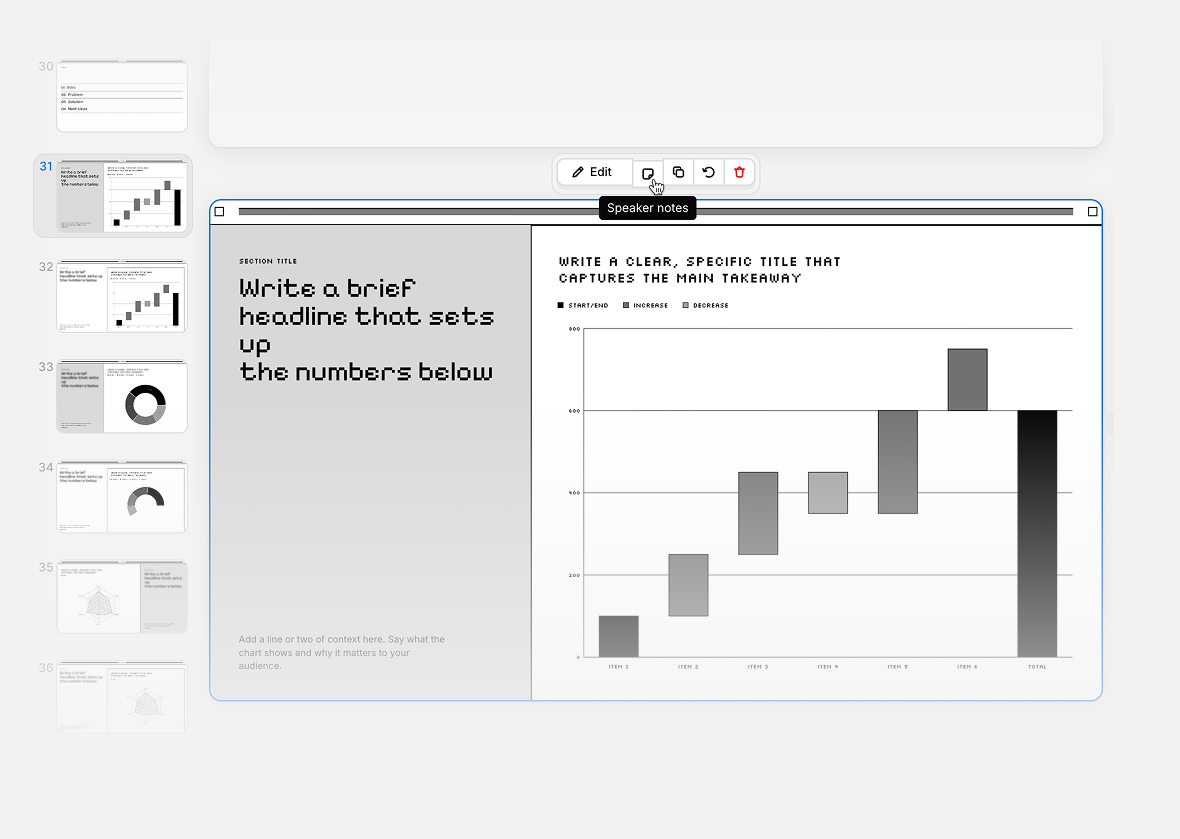
Click on any slide and you'll see a speaker note icon in the floating toolbar on top of it. Click it, and a notes panel opens where you can type whatever you want to remember while presenting. Your notes save automatically as you type.
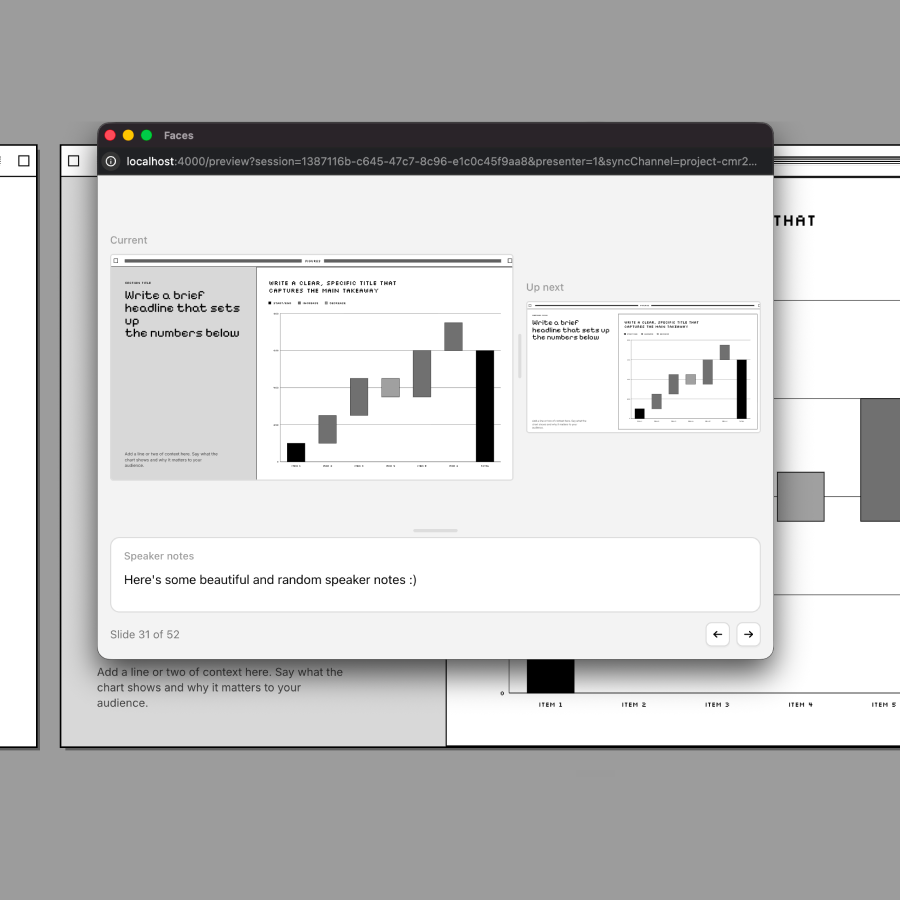
When you're ready to present, hit Present and you'll see a new option to enter Presenter Mode. Presenter Mode opens a separate window just for you, showing your speaker notes and giving you controls to move through the deck, while your audience only sees the clean, full-screen presentation.
Add your notes ahead of time, then let Presenter Mode keep them in front of you the next time you go live.