·Ignacio Soffia
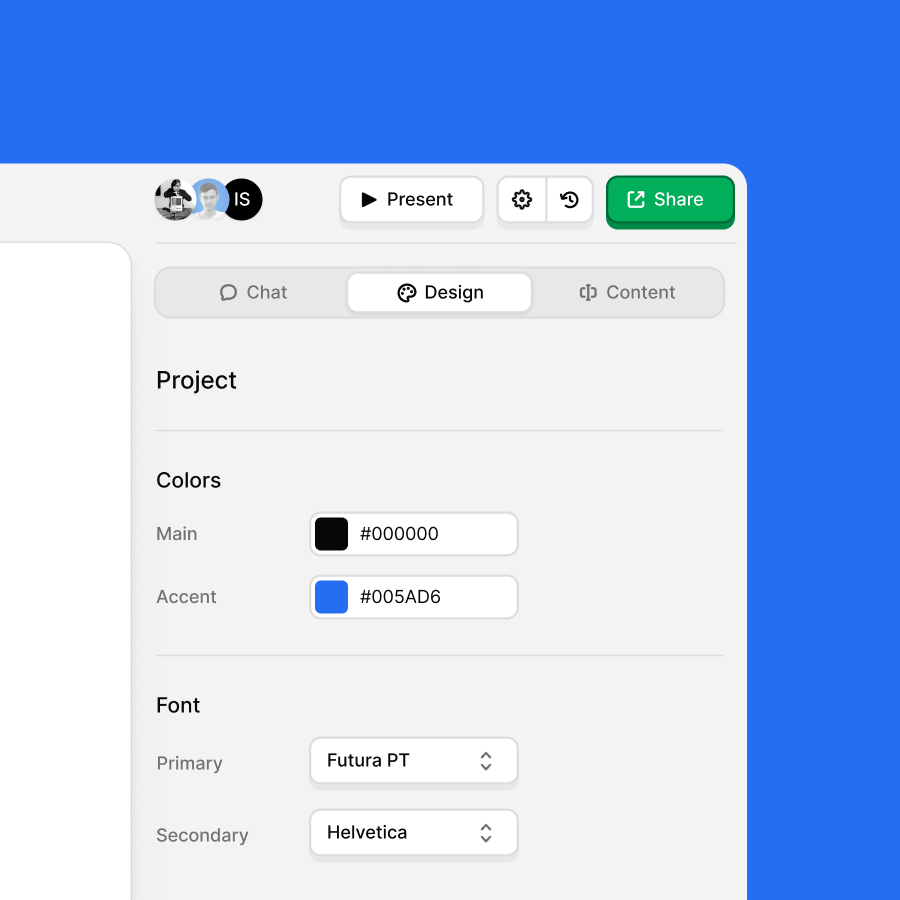
The Design tab is where you shape the look of your presentation. From here you can adjust your palette, swap fonts, and change the layout of individual slides or the whole deck at once.
Because it's generative, you don't need to touch every slide by hand. Pick a direction in the panel and Faces applies it consistently across your presentation, so you can spend less time formatting and more time on what you're actually saying.