Today we're launching Faces II: The world's first presentation tool made for the age of intelligence.
Your ideas deserve better than an AI-made powerpoint. With Faces II, you can unleash the full power of the web in every single slide. Embed a form, add an interactive map, create live charts or insert a real product demo. We've packed in a lot, so let's get into it.
Design tweaks and new customization
There's now a design panel in the sidebar. It lets you tweak the colors, the fonts, and the layout of every slide. The whole thing is generative, which means it works on any presentation, not just new ones. Slides you made before, slides from our templates, slides from anywhere in Faces. Open the panel, adjust, and watch it adapt.
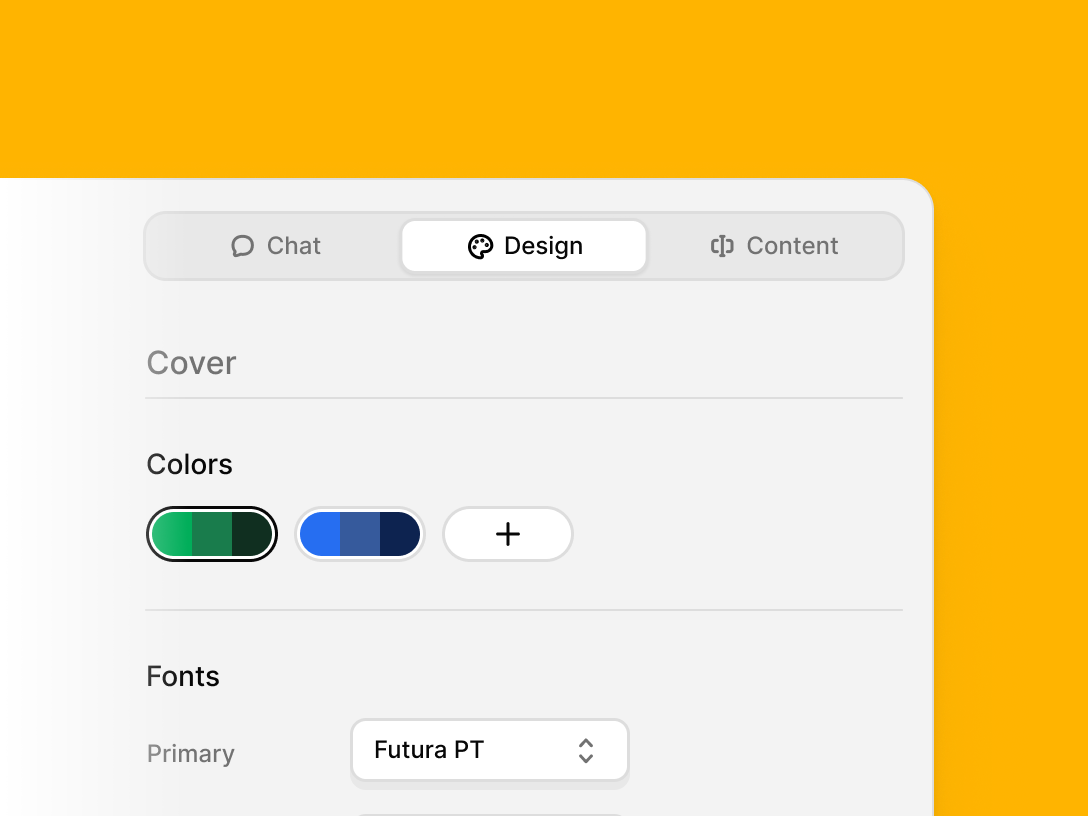
When you present or publish a project, you now get to choose how your slides are seen. View them as cards or as full screen slides. Change the background. Make them scroll horizontally or vertically so you can flip the whole orientation. You can even set a GIF or an image as your background. It's a lot more room to make something yours.
Presentation import
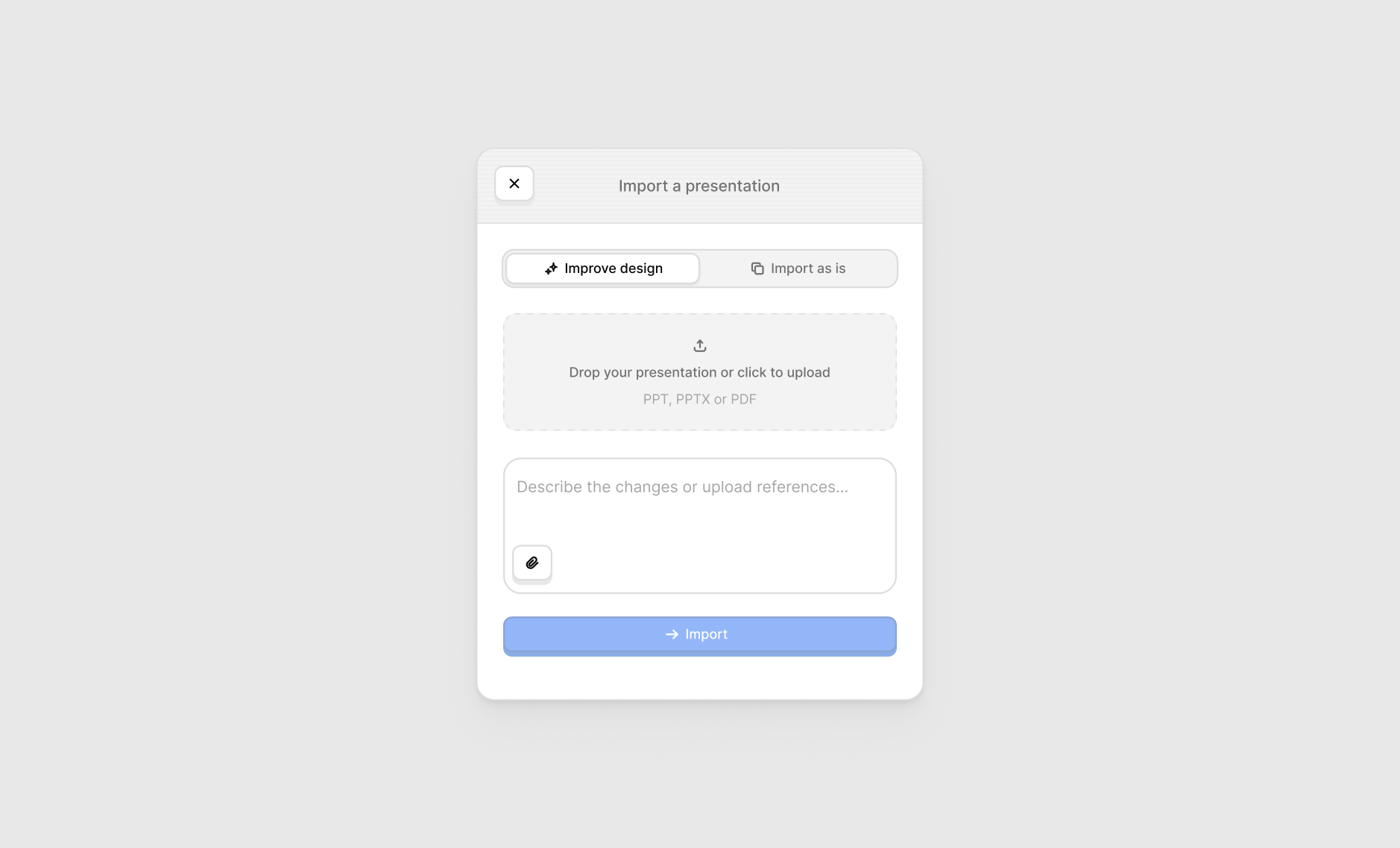
Bring in any PPT or PDF file. You can import it exactly as it is and keep working on it inside Faces, or you can have us improve the design on the way in. Either way, your old decks become software slides, which is what we're calling them now.
Remote clicker and speaker notes
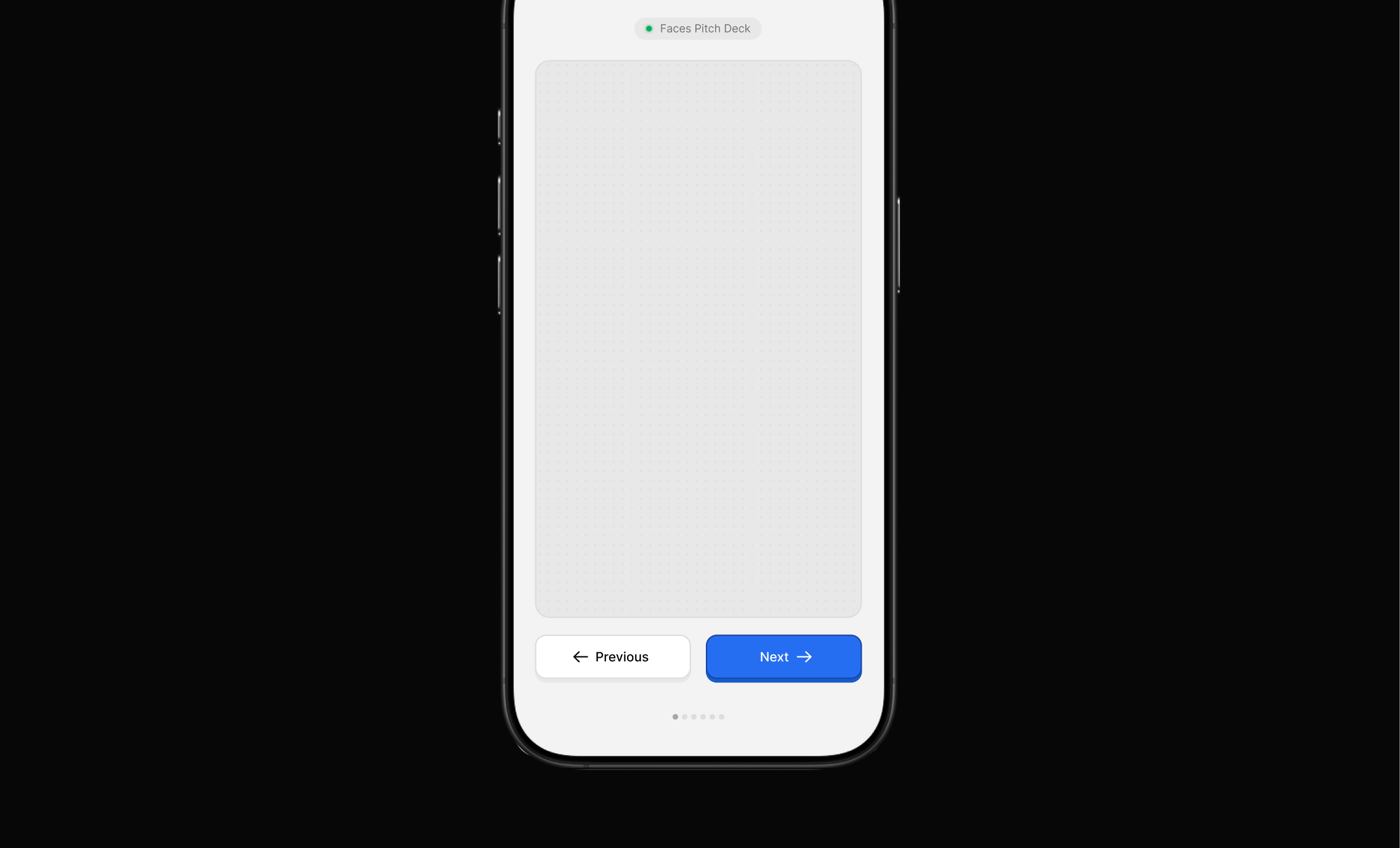
Scan a QR code and your phone turns into a remote. Go to the next slide, go back, the basics. But there's also a trackpad area that lets you move around the slide itself, so if you've got interactive or hoverable elements, you can reach them from your phone. Or just use it to point.
You can now also write notes for each slide and see them while you present. Simple, and long overdue.
Plugins
Plugins are new superpowers for your slides. We're launching with two.
Forms lets you embed a form on any slide and collect data right there.
The Runway Avatars plugin lets you embed an AI avatar that talks with your audience through their microphone in real time, using the information you give it. You can drop it into a slide and customize how it looks and where it sits. Everything is yours to shape.
MCP support, now with a lot more
This builds on the MCP support we already had, with a ton of updates layered on top. You can read more at Faces MCP Docs.
One more thing: The Artifact
This is the bonus track. The Artifact is our new medium, a publication for sharing, celebrating, and exploring software artifacts. That's the category we live in. We believe any human made software artifact built for communication is worth sharing, and this is where we'll do it.
That's Faces II. Go make something.