> ## Documentation Index
> Fetch the complete documentation index at: https://faces.app/docs/llms.txt
> Use this file to discover all available pages before exploring further.
# Account Settings
> Manage your password, security settings, and profile.
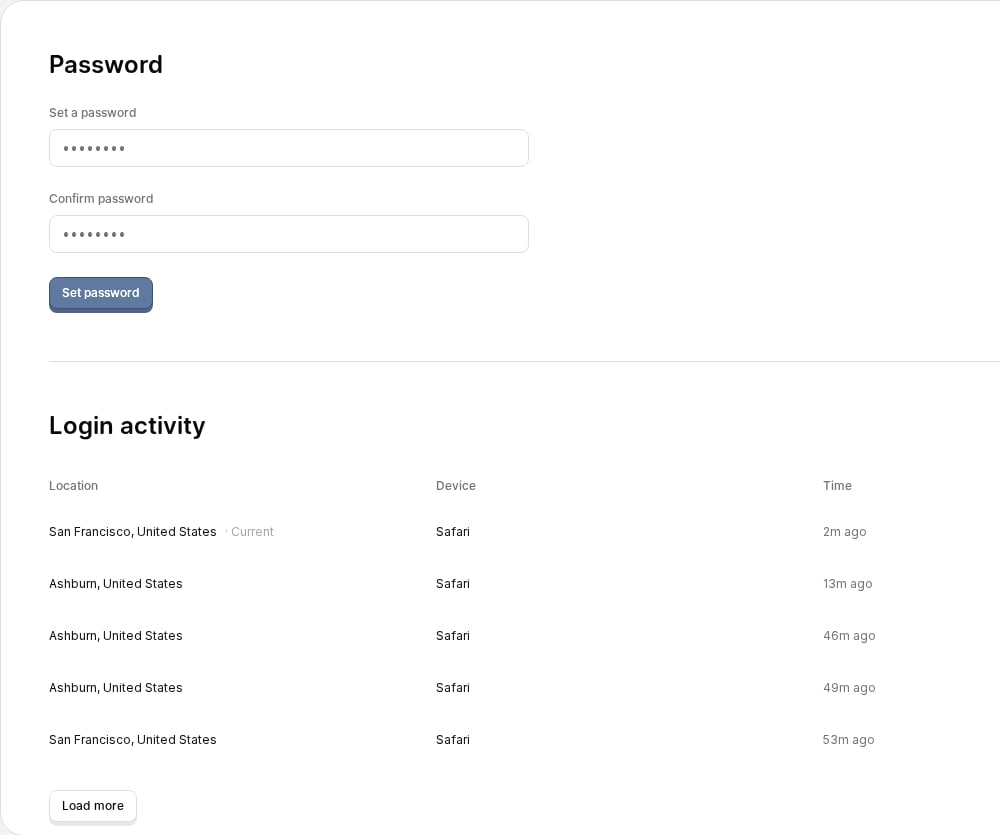
## Changing your password
1. Click your **avatar** in the sidebar
2. Select **Settings**
3. Go to the **Security** tab
4. Enter your current password (if you already have one set), then a new password and confirm it
5. Save your changes
The **Security** tab also shows your **login activity** (active sessions) and lets you **delete your account**.
 ## Profile settings
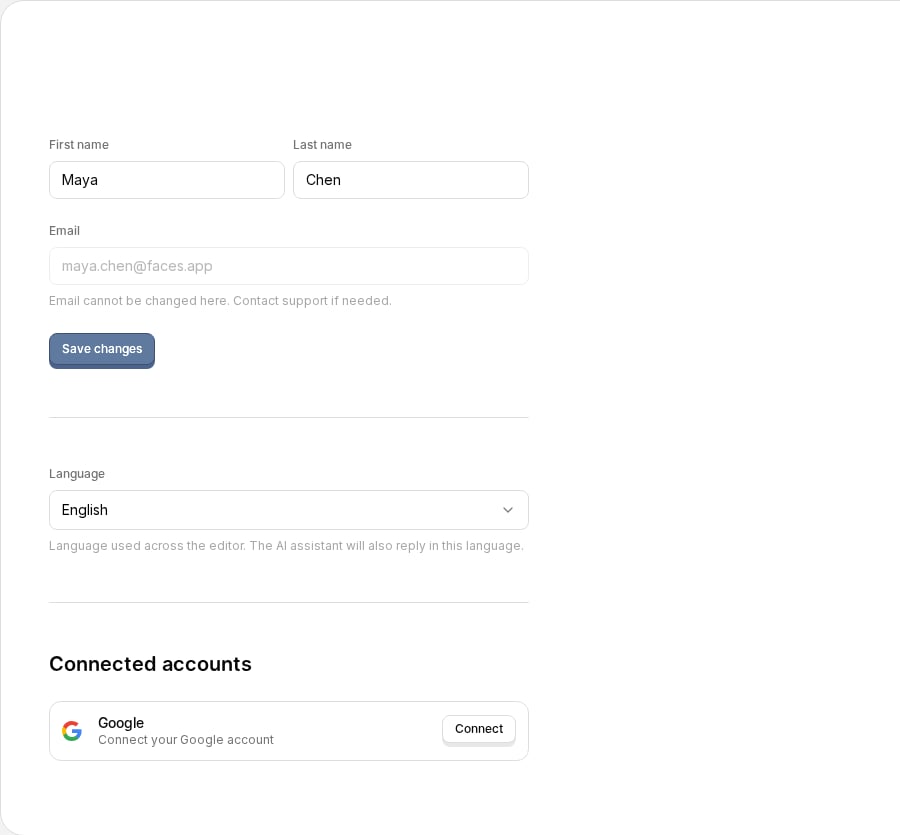
Open the **Account** tab in Settings to update your profile: your avatar and name (your email is shown but managed by your sign-in method). From the same tab you can set your **language** and manage **connected accounts** (such as Google).
## Profile settings
Open the **Account** tab in Settings to update your profile: your avatar and name (your email is shown but managed by your sign-in method). From the same tab you can set your **language** and manage **connected accounts** (such as Google).